
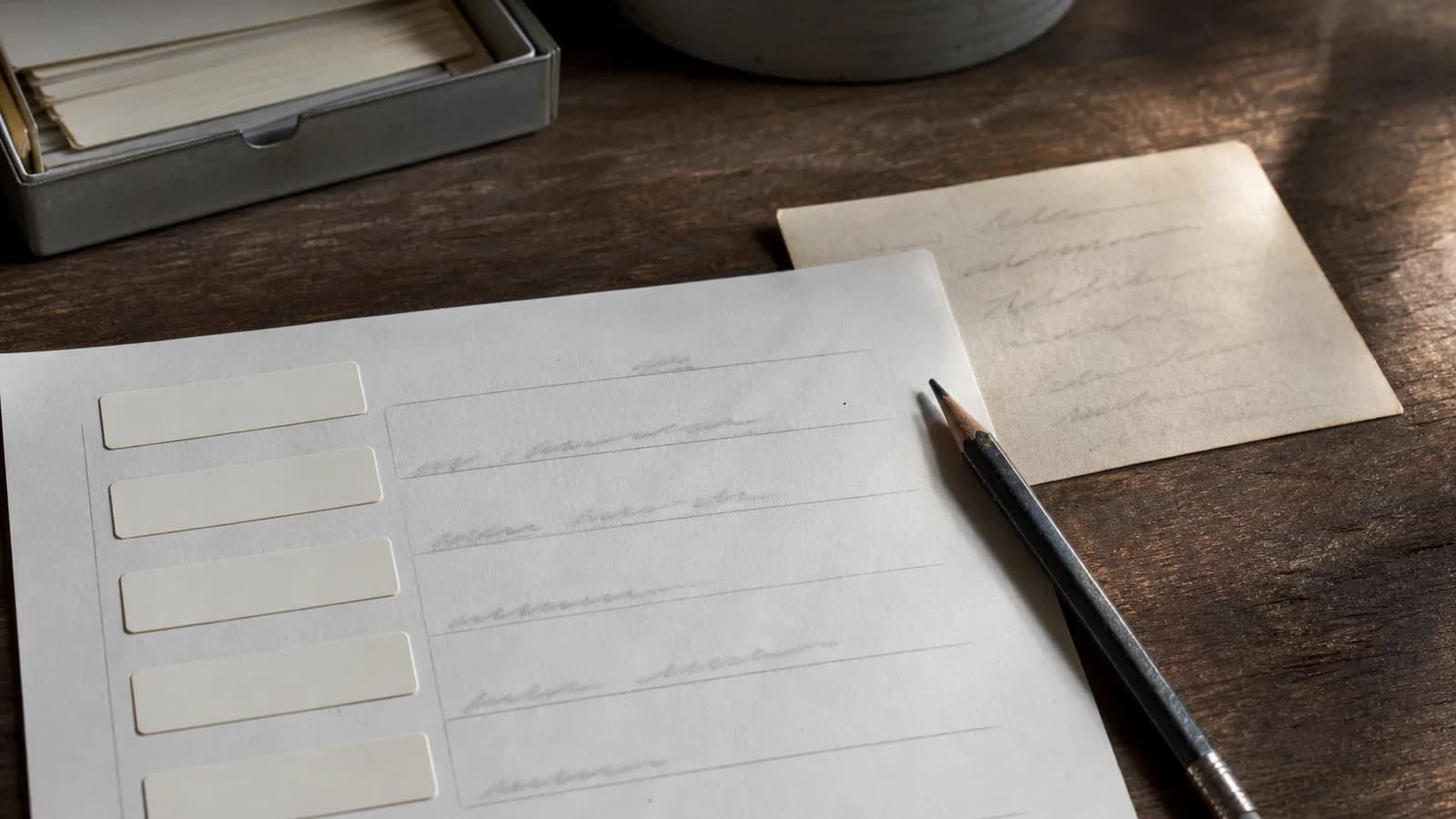
Placeholder text looks useful before a form is used.
Name. Email. Search projects. Describe what changed.
The interface feels lighter because the instruction sits inside the empty field. Then the user starts typing, and the instruction disappears.
That is the problem.
A label should survive the moment it becomes useful.
Empty fields do not stay empty
A placeholder only exists while the field is blank.
That makes it a weak place to put important meaning. Forms are not only read before they are filled. They are scanned, reviewed, corrected, autofilled, and submitted later.
When the label disappears, the user has to remember the question.
The product saved space.
The user lost context.
Clean is not always clear
Placeholder-only forms usually come from a good instinct.
The screen feels crowded. Labels seem repetitive. The design wants more air.
But removing labels often makes the form simpler only in the mockup. In use, every filled field becomes harder to scan. Errors become harder to place. Autofill can turn the form into a set of anonymous boxes.
The product did not remove complexity.
It moved complexity into the user's memory.
Examples are not names
Placeholder text works best as an example.
name@company.com
Acme onboarding checklist
Short answer shown in search results
These help show format or tone. But they do not name the field.
A label names the object.
A placeholder shows one possible answer.
Those are different jobs.
Keep the question visible
A good form does not need to over-explain itself.
It just needs to keep the question visible.
What is this field? What kind of answer belongs here? What rule matters before submit?
Use placeholder text when it helps. Let it show an example, a format, or a hint.
But do not make it carry the whole meaning.
Placeholder text is temporary.
A label is part of the interface.